

Categories
Resources
Exact + Mollie: Automate your accounting.
Reconcile invoices automatically and sync all your business transactions.
Connect Mollie with your Exact software to stop manually matching payments to invoices. For even deeper automation, link your Mollie Business Account to fully sync your transaction data.
Focus on growing your business while we handle the payments.
Smarter accounting for growing businesses.
Chasing unpaid invoices and manually reconciling payments slows your business down and can lead to costly errors.
Mollie and Exact automate your financial admin. Add a payment link to your Exact invoices for faster payments, and connect your Mollie Business Account to keep all your accounts perfectly in sync.
Everything you need to manage your finances
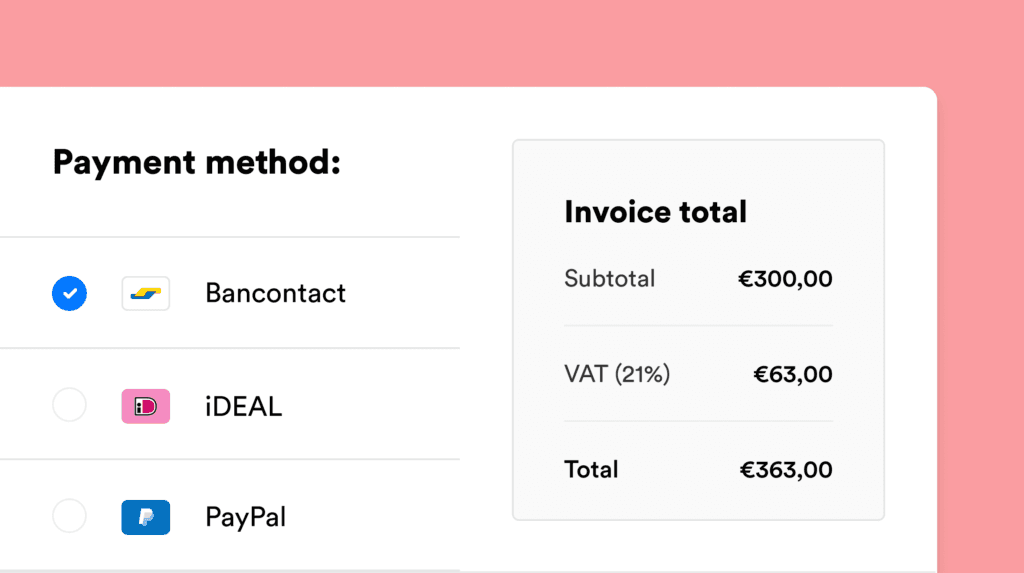
Get paid faster with all payment methods. Add payment links to your invoices and offer your customers their preferred payment methods, including iDEAL | Wero, Bancontact, and credit and debit cards. In 86% of cases, invoices sent with a Mollie payment link are paid faster.
Automate your bookkeeping. Reconcile paid invoices in your Exact accounts automatically. For full financial oversight, connect your Mollie Business Account to sync all your business transactions.
Improve your cash flow. Make it simple for customers to pay on time, every time, and track the status of all your invoice payments from your free Mollie dashboard.
Simple, transparent pricing. With Mollie, you only pay for successful transactions. There are no hidden fees or lock-in contracts. Explore our pricing.
Get started in minutes
Make sure you have an Exact account and a Mollie account.
Log in to your Exact account and navigate to the App Centre.
Search for the Mollie integration and click to install.
Follow the on-screen instructions and paste in your Mollie API key when prompted.
Choose your preferred payment methods to offer on your invoices.
Once connected, your payment and invoice data will sync automatically. To sync all your business transactions, connect your Mollie Business Account in your Mollie dashboard.
Less admin, more business.
Leave the payment reconciliation to Mollie and Exact.