

Categories
Resources




Mollie payments integration for Shopware
Give your customers the payment methods they expect, wherever they shop, while keeping full control of your financial operations.
Mollie's Shopware 6 plugin connects your store to over 35 local and global payment methods in a few clicks. Manage payments, refunds, and subscriptions from one dashboard, and add invoicing or financing whenever your business needs them.
Getting the most from payments on Shopware
Shopware gives merchants flexibility in how they accept payments, including options built directly into the platform. As your business grows across markets, channels, and sales models, many merchants choose to pair this flexibility with a dedicated payment partner like Mollie.
Mollie is built for that next stage: broader payment method coverage, a direct support relationship, and financial tools that go beyond the checkout.
Sell in more markets, not just one
Reach customers across Europe with the payment methods they already trust and use every day.
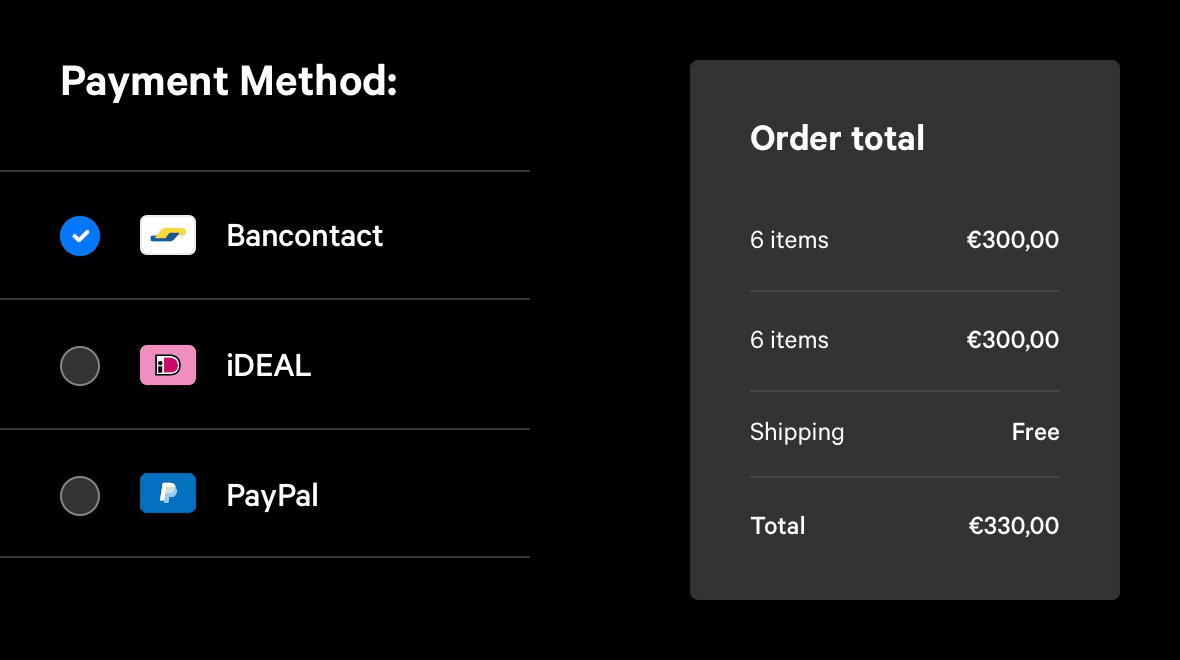
Local payment methods: Accept local methods like iDEAL | Wero, Bancontact, Bizum, Cartes Bancaires and Przelewy24 alongside credit and debit cards, and American Express.
Buy now, pay later: Offer Klarna so customers can spread the cost of larger orders.
Full method control: Switch payment methods on or off yourself, without waiting on approval chains.
Recurring revenue, built in
Turn one-off buyers into subscribers without bolting on a separate tool.
Native subscriptions: Set up subscriptions directly in Shopware for regular billing on products customers reorder.
Self-service management: Let customers change their payment method, update their address, or cancel their subscription from their account.
Flexible order building: Combine subscription products with regular items and vouchers in the same order.
One direct contact for every payment question
Skip the escalation chain. When you work with Mollie, you speak to the people who actually process your payments.
Direct specialist access: Reach a dedicated payments support specialist directly, rather than a first-line team who forwards your query on.
Local language support: Get help in your own language across the markets where you operate.
Consistent service levels: Rely on the same standard of support regardless of your plan or edition.
More than a checkout button
A payment setup is only as useful as everything it can do. Mollie covers what happens before, during, and after checkout.
B2B invoicing: Send payment links and invoices for business orders, phone sales, or anything outside your webshop.
Embedded financing: Access working capital through Mollie Capital when you're ready to grow faster.
Payments that move with your business
Your payment setup shouldn't be tied to a single platform. Mollie works the same way whether you stay on Shopware, go headless, or expand to new storefronts.
Platform independence: Keep your payment history and customer relationships independent of any one commerce platform.
Multi-channel scaling: Grow from a single Shopware store to a multi-channel or marketplace setup without switching providers.
Transparent pricing: Build on transparent, flexible pricing with no lock-in contracts and no plugin fees.
Building Shopware stores for clients?
Agencies and developers manage payments across more than one platform, and more than one client. Mollie is built to make that easier, not harder.
One integration, every platform: Support Shopware, Magento, and custom headless builds through a single, consistent Mollie setup.
Low maintenance overhead: Rely on mature, well-documented plugins that don't demand ongoing upkeep across client sites.
Clear eligibility guidance: Know upfront which verticals and business models are supported, so you can advise clients with confidence.
Direct technical support: Get integration help straight from Mollie, rather than routing every issue through the platform first.
Get started in minutes
Connecting Mollie to your Shopware store takes a few simple steps. If your store is self-hosted, look for the Mollie Plugin. If you're on Shopware Cloud, look for the Mollie App instead.
Create a free Mollie account.
Log in to your Shopware admin, go to Extensions > Store, and search for "Mollie."
Select Mollie Payments Plugin for Shopware 6 (self-hosted) or Mollie Payments App for Shopware (Cloud) and choose Add extension.
Follow the step in the Shopware 6 wizard to add the plugin or app.
Go to Extensions > My extensions and select Install from the Mollie Payments context menu (three dots).
To activate, switch on the toggle.
For full technical guidance, visit the Mollie Shopware 6 documentation for the plugin or the app.
Ready to grow your Shopware store?
Leave the payments to Mollie.